



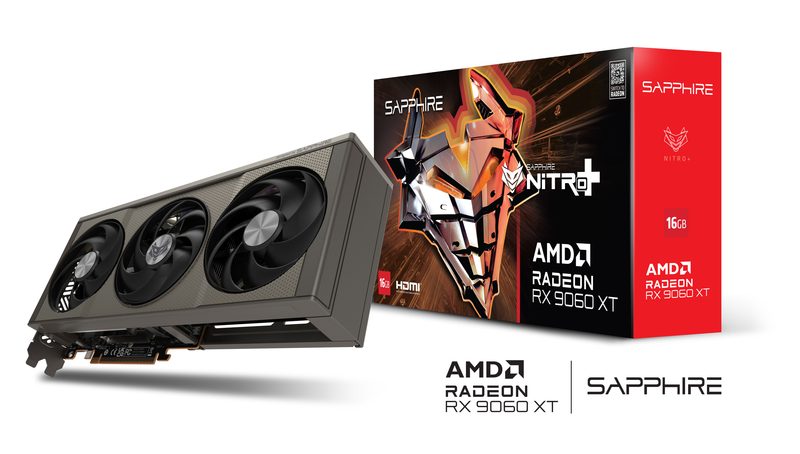
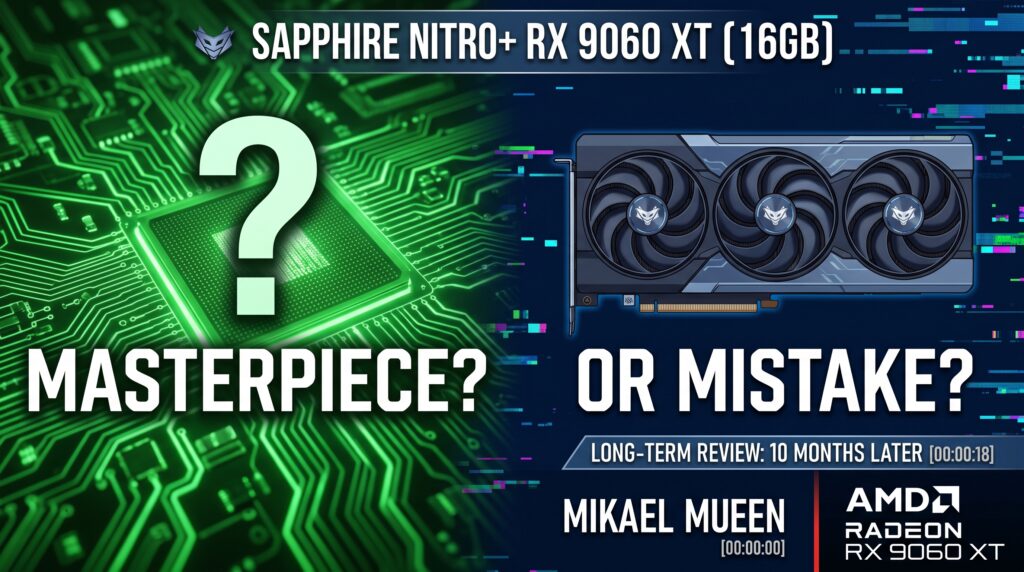
Finding the right middle ground in GPU pricing often feels like walking a tightrope. In his detailed long-term review [00:00], tech reviewer Mikael Mueen breaks down whether the Sapphire Nitro+ RX 9060 XT (16GB) is worth your money after putting it through 10 months of daily real-world gaming and testing [00:18].
Below is a full breakdown of the key takeaways, performance insights, and CPU pairing recommendations from the video review: RX 9060 XT | A Masterpiece or a Mistake?.
1. Design & Build Quality
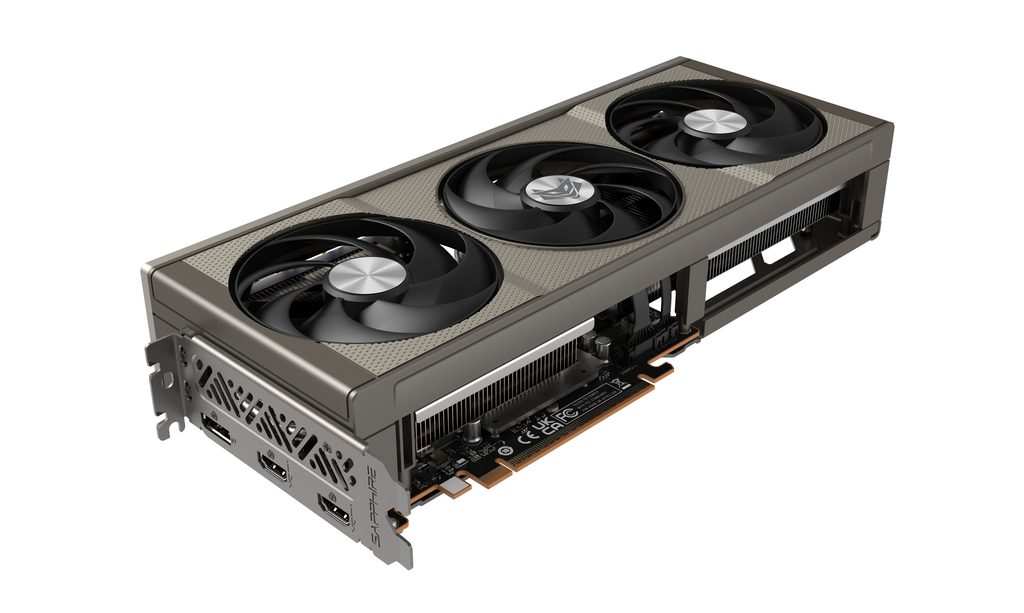
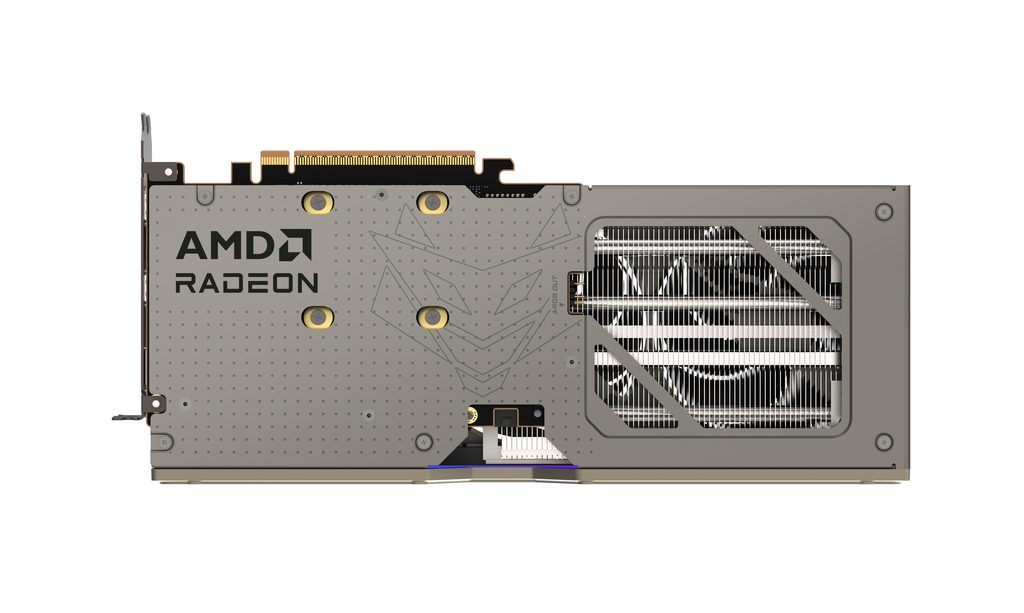
- Form Factor: The Sapphire Nitro+ variant features a massive triple-fan cooling system [01:19] designed to keep temperatures in check during extended gaming sessions.
- Dimensions: Be sure to check your case clearances—at around 300mm in length, it barely fits in smaller mid-tower cases [01:06].
- Outputs: Equipped with two DisplayPorts and two HDMI ports [01:19], offering flexibility for multi-monitor setups.
- Power Draw: It draws up to 182W [01:28], which is higher for this class of card, but managed well by the triple-fan thermal setup.
2. 16GB vs. 8GB VRAM: Is 16GB Necessary?
Mikael emphasizes opting for the 16GB model over the 8GB variant [00:09].
- Modern games at 1440p resolution often consume well above 8GB of VRAM when using high-to-ultra texture packs.
- Choosing 16GB gives you extra headroom and longevity, rendering VRAM bottleneck issues almost non-existent for upcoming titles [04:30].

3. Real-World Performance & CPU Bottlenecks
Gaming at 1080p and 1440p
- 1080p Performance: Runs nearly any current-gen game on maxed-out settings with high framerates [03:28].
- 1440p Performance: Delivers smooth FPS across demanding games at max/high settings without choking on memory [03:19].
- Ray Tracing: Like most AMD cards in this class, ray-tracing performance is mediocre [04:49]. If high-tier ray tracing is your primary priority, NVIDIA alternatives might appeal more, though competitive offerings like the RTX 5060 Ti carry significant price inflation [04:59].
Dealing with CPU Bottlenecks
During the 10-month testing period, the GPU was paired with an older Ryzen 5 3600 [01:51]. While it handled 1440p gaming smoothly, it was clear that an older CPU prevents the GPU from hitting its maximum potential FPS at lower resolutions [02:01]. Upgrading to a modern processor can easily unlock an extra 20 to 30 FPS in CPU-bound titles [06:24].
4. Best CPU Pairings for the RX 9060 XT
To avoid performance bottlenecks, consider the following processor pairings:
| Platform | Recommended CPUs | Expected Experience |
| AMD AM4 | Ryzen 5 5600X / 5600XT [02:45] Ryzen 7 5800X3D [02:25] | High value upgrade path without changing motherboards; minimal to no bottleneck [04:07]. |
| AMD AM5 | Ryzen 5 9600X [06:45] Ryzen 7 9800X3D [02:25] | Top-tier gaming performance; allows the GPU to stretch to 100% utilization. |
| Intel | Core i5-12600K / 14600K / 14700K [03:56] | Smooth mid-to-high frame rates with excellent multi-threaded capability [04:07]. |
The Verdict: Masterpiece or Mistake?
For gamers seeking a capable 1440p card with enough VRAM to last several years, the RX 9060 XT 16GB leans heavily toward being a Masterpiece [06:53]—especially given high competitor pricing on modern NVIDIA cards [05:21]. The Sapphire Nitro+ variant in particular offers excellent thermal management and premium aesthetics if your case can accommodate its footprint [07:00].
